
Emileyt IPTV Player
Simplest setup, smoothest IPTV experience.
Set up in seconds with M3U, Xtream Codes or a local file. No lag, just seamless streaming. The free mobile version shows Google AdMob ads and Pro removes them. The Windows version is free and ad-free. A complete IPTV app with Live TV, Movies, Series, EPG, multiple profiles and much more.


Why Emileyt IPTV Player?
Most IPTV apps are overly complex or slow. We built a fast, simple one, with a Pro version for anyone who wants it ad-free.
Mobile (Android) Version
Full-screen, landscape IPTV experience on your phone. Watch channels, movies and series in your pocket.
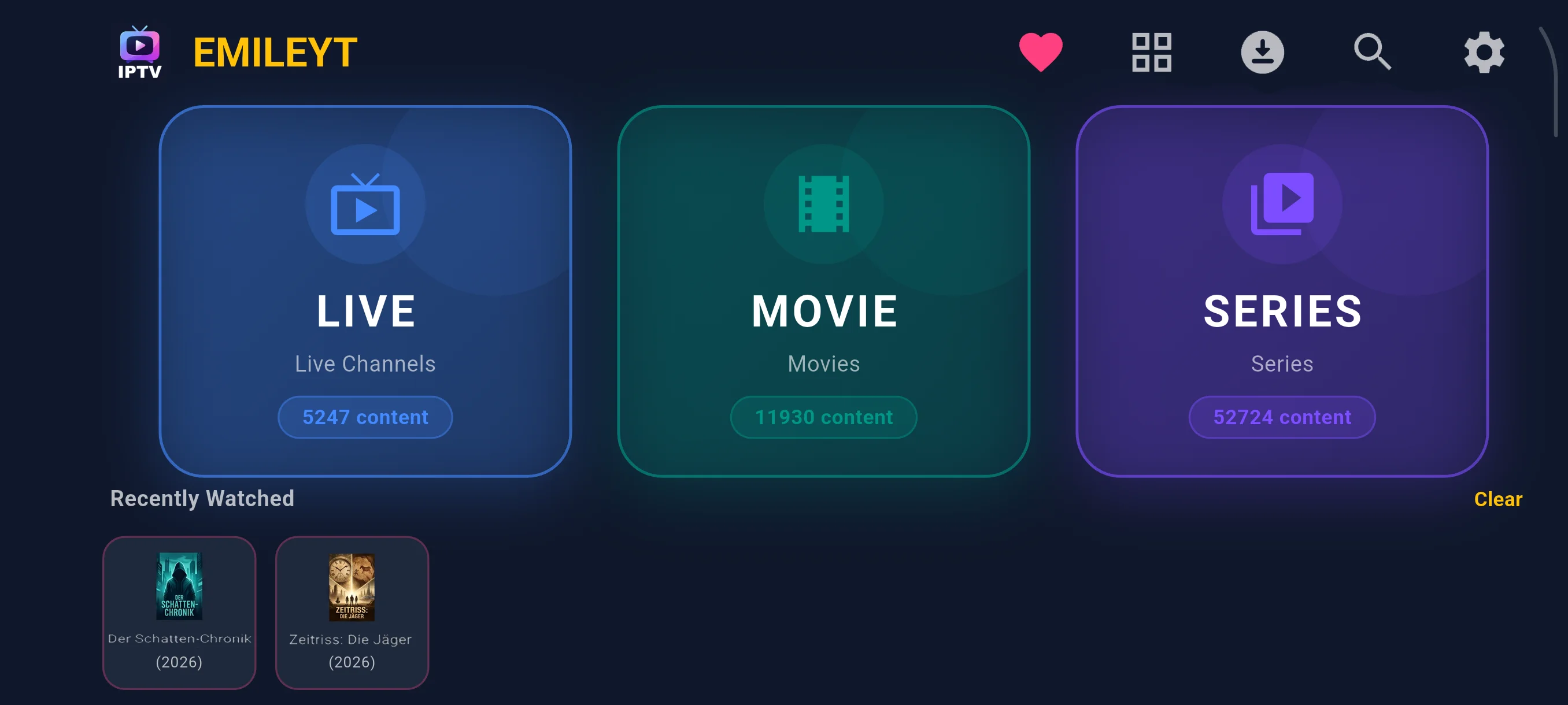
Features
M3U, Xtream & Local File
Load via M3U URL, Xtream Codes API, or a local M3U/M3U8 file — including on TV. Real-time loading progress.
Quick QR Setup
Transfer your playlist from one device to another in seconds by scanning a QR code.
Single Stream Play
Paste a single channel or video link and play it instantly — no playlist needed.
Account Info
View your Xtream account's active/max connections and expiration date at a glance. With most providers, adding just an M3U link is enough, the details are detected automatically.
Live TV, Movies & Series
Three separate, organized home screens for Live TV, Movies (VOD) and Series. Episodes load on demand for fast browsing.
EPG Program Guide
XMLTV-powered electronic program guide with each channel's daily schedule.
Global Search
Search across all channels, movies and series from a single screen.
Favorites
Add channels you watch often to favorites and reach them instantly, no searching.
Pinned Start Channel
Pin a channel as your start channel with the home icon in the player. Opening Live TV then skips the category list and jumps straight to that channel. Remove it anytime from Settings.
Resume Where You Left Off
Movies and episodes you paused reopen automatically right where you stopped.
Personalized Suggestions
Like/dislike and a "For You" tab give recommendations tailored to your taste.
Category Management
Hide unwanted categories and reorder the rest to suit your preference. Each profile keeps its own category settings. Move misclassified content between Live TV, Movies and Series.
Multiple Profiles
1 profile on the free version, unlimited profiles with Pro.
PIN & Parental Control
A separate 4-digit PIN per profile, asked on profile switch and app launch.
Profile Personalization
Pick a custom icon and color for each profile. (Pro)
Advanced Player
1x, 1.25x, 1.5x, 2x and 4x playback speed, embedded subtitle selection and a draggable seek bar. Your last volume level is remembered instead of resetting on every launch.
Background Audio Playback
Keeps playing even when you lock the screen or switch apps, with play/pause controls from the notification and lock screen. Available on Android, toggle it anytime in settings.
Content Download
Download movies and episodes to watch offline. Manage everything from a dedicated Downloads screen, with downloads continuing in the background. Available on Android, iOS and Windows. Interrupted downloads resume where they left off, with bulk cancel/delete support.
Chromecast
Cast compatible content to your TV with a single tap.
Ad-Free
A one-time purchase for permanently ad-free use. Also activatable with a promo code on iOS. (Pro)
Backup & Restore
Back up your profiles, preferences and settings into a single file, then restore them on a new device or right from the setup screen.
Multi-Device & Language
Android, Android TV, iOS, Windows and Linux (Fire TV and LG TV coming soon); interface available in Turkish, English, German, Spanish, French and Russian, auto-selected from your device language on first launch. Optimized D-pad navigation on TV.
Free vs Pro
Almost every feature of Emileyt IPTV Player is included in the free version. Pro, a one-time purchase, changes just three things:
PC (Windows) Version Features
Powerful features built specially for the desktop.
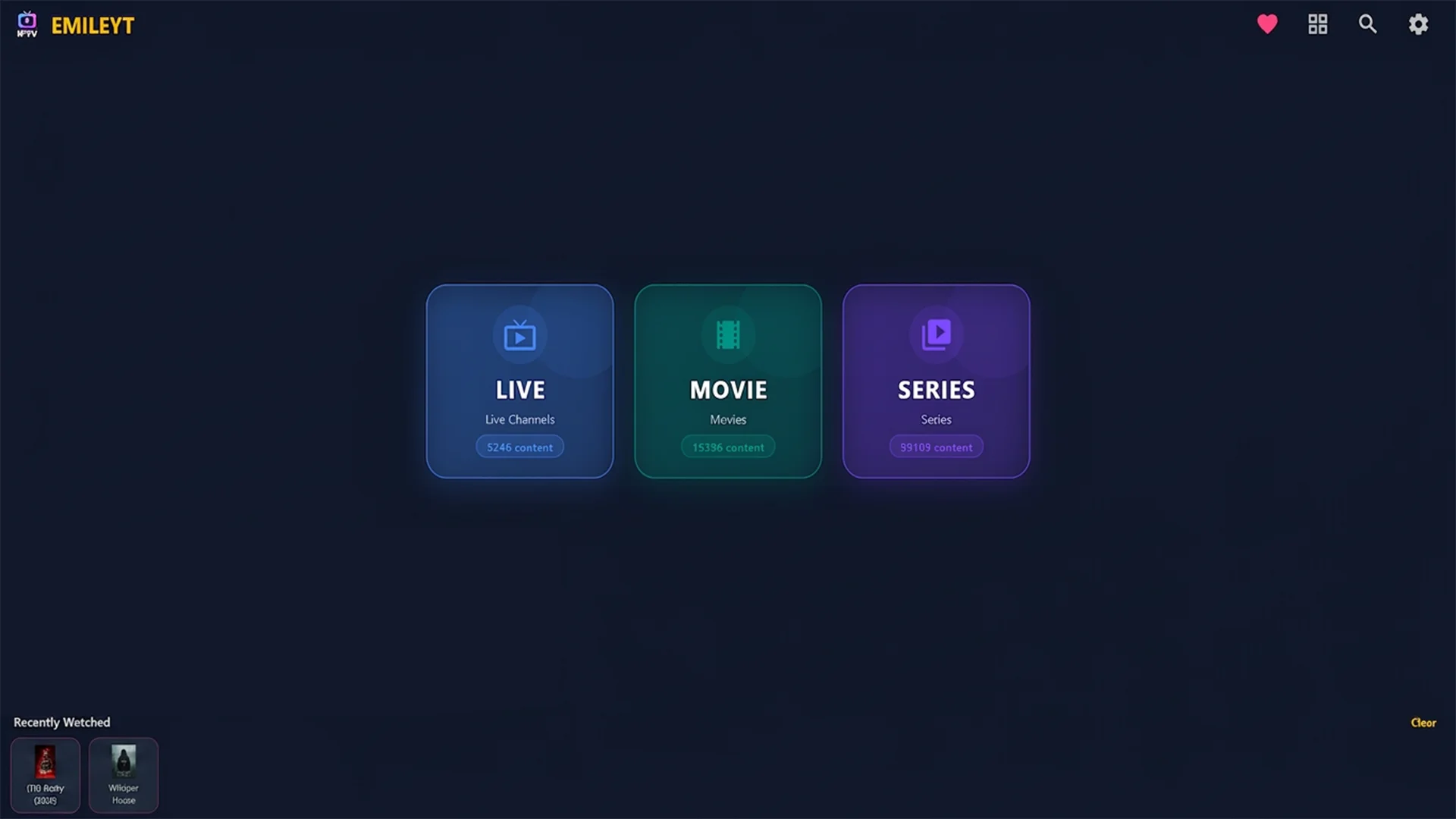
Advanced Multi-View Experience
- 4 Streams at Once: Split the screen into 2 or 4 and watch multiple streams or matches simultaneously, uninterrupted.
- Free Resizing: Drag the edges of the split screens to freely adjust each window's size to your taste.
- Zoom-to-Pointer (10x Zoom): With the special "Zoom-to-Pointer" technology, use the mouse wheel to zoom losslessly up to 10x toward wherever your cursor points.
- Layout Memory: Multi-View remembers your panel layout and which channels are open, so you pick up right where you left off the next time you open the app.
VOD & Series Download — Watch Offline
- Download movies and episodes with one click; they're saved to the "Downloads\Emileyt IPTV" folder and play without internet.
- Download with a progress bar you can cancel anytime, plus a one-click shortcut to open the downloads folder when it's done.
Unmatched Playback & Protocol Support
- All Formats: Beyond traditional HTTP and M3U lists, it smoothly plays complex live protocols like RTMP, RTSP, MMS, MMSH, UDP and RTP with hardware acceleration.
- Anti-Freeze Protection: The smart "Failsafe" infrastructure instantly detects stuck or frozen streams and automatically reconnects (up to 3 times) on connection drops.
Cinematic VOD (Movies & Series) Interface
- A dedicated cinematic look for your movies and series.
- With TMDb integration, it automatically fetches posters, cover art and details, turning VOD into a visual feast.
- A wide TMDB backdrop image sits behind the poster, Facebook-cover style, with up to 3 lines of overview text, giving the detail screen a cinematic feel.
Smart Electronic Program Guide (EPG)
- Track channels' current and upcoming programs in real time.
- The smart EPG engine filters and auto-repairs broken or missing guide data to give you the cleanest list.
Fully Localized Multi-Language Support
- Switch instantly between Turkish, English, German, Spanish, French and Russian with one click, auto-selected from your device language on first launch.
- Not just menus — all error messages, notifications and search fields are fully localized.
Advanced Settings
- Buffer Size: Adjust the buffer yourself to suit your connection.
- Decoder Selection: Automatic (recommended), Hardware or Software. If a live stream freezes or shows glitches, you can switch to Software.
- Fixed Start Channel: Your chosen channel opens directly when you enter Live TV.
- Volume Memory: The app remembers your last volume level.
- Subscription Expiry Date: M3U links show when your subscription ends.
Optimized for Windows & Easy Setup
- Installs from Microsoft Store in seconds.
- Dialogs like PIN entry, profile personalization and profile editing open as centered desktop windows (instead of the bottom sheets used on mobile/TV).
- Menu, keyboard and mouse (hover, click, scroll) interactions are specially optimized for the Windows desktop, giving a smooth native-app feel.
- Desktop volume keys (volume up/down/mute) sync seamlessly with the app.
The free Windows version has no ads. Pro offers unlimited profiles.
A single file, no installation needed. After downloading, right-click → Properties → Permissions → "Allow executing", or from the terminal: chmod +x Emileyt_IPTV_Player-x86_64.AppImage — No need to install mpv or any codecs separately, everything is included. Requires: Ubuntu 22.04+, Debian 12+, Linux Mint 21+, Fedora 36+ (glibc 2.35 or newer).
Compatibility
User Reviews
"The smoothest IPTV app I have ever used."
— User, Google Play
"Setup is so simple, connected instantly with Xtream."
— User, Google Play
Emileyt IPTV Player
Setup guides and official site
The separate Emileyt IPTV Player site has setup steps for each device and guides for M3U and Xtream Codes.
IPTV Player frequently asked questions
- What are M3U and Xtream Codes?
- M3U is a playlist link or file that contains a channel list. Xtream Codes is a connection format that uses a server address, username and password. You get both from your own provider, and the app plays your list with that information.
- Which devices does it run on?
- It installs from Google Play on Android and Android TV, from the App Store on iPhone, iPad and Mac, and from the Microsoft Store on Windows 10 and 11. For Linux there is an AppImage file.
- Does the app provide channels or content?
- No. Emileyt IPTV Player is only a player. It offers no channels, movies, series or subscriptions. You get the playlist you play yourself, from a provider you have the legal right to use.
- What is the difference between the Free and Pro versions on Windows?
- The Free version offers a single profile. The Pro version offers unlimited profiles and a detailed EPG. Both install from the Microsoft Store.
- How do I set it up?
- Install the app from your device's store, add the M3U link or Xtream Codes details you got from your provider, and start playing once the list has loaded. The setup guides cover the steps for each device.